

The Ultimate Guide to Resizing 100+ Images for Your Shopify Store in Under 2 Minutes
In the fast-paced world of e-commerce, time is the most valuable currency. If you are a Shopify merchant, you already know the struggle of managing product photography. High-quality shots are essential for conversions, but they often come with massive file sizes and inconsistent dimensions.
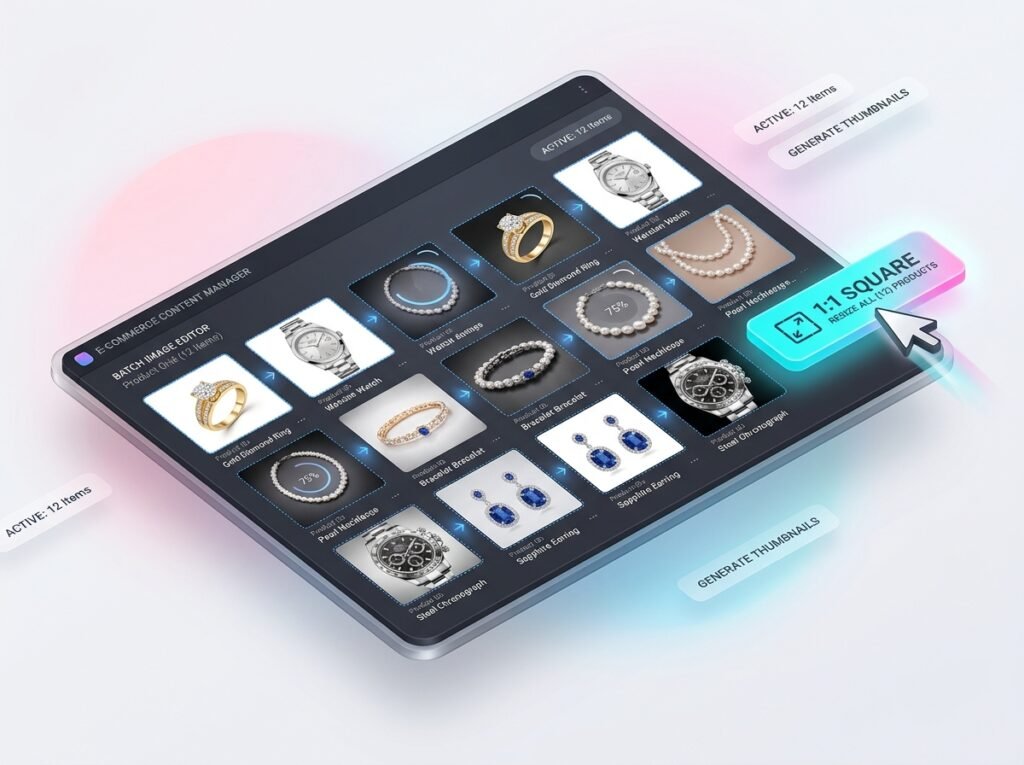
Manually editing each photo is a productivity killer. That’s where a free online bulk images resizer for ecommerce becomes your secret weapon. In this comprehensive 1500-word guide, we will explore why image optimization is the backbone of SEO, how it impacts your bottom line, and the fastest way to handle bulk edits without losing a single pixel of quality.
Why Image Dimensions Matter for Shopify Success ?🤔
When a potential customer lands on your Shopify store, they expect a seamless, professional experience. Images that are too small look pixelated and untrustworthy, while images that are too large slow down your site.
The Impact on Page Load Speed
Google has explicitly stated that PageSpeed is a critical ranking factor. A delay of even one second in mobile load times can impact conversion rates by up to 20%. By using a bulk image resizer, you ensure that every image is optimized for the web, reducing the server load and making your site fly.
Consistency Across Collections
Imagine browsing a collection page where one product image is tall, another is wide, and the third is a tiny square. It looks amateur. For a professional brand, you need a uniform aspect ratio (usually 1:1 square for Shopify).
The SEO Advantage of Using a Free Online Bulk Images Resizer for Ecommerce
Search Engine Optimization (SEO) isn’t just about keywords; it’s about the user experience. Here is how resizing your images helps you rank higher on Google:
- 👉Reduced Bounce Rate: Fast sites keep users engaged. If your images load instantly, users stay longer, signaling to Google that your content is valuable.
- 👉Image Search Ranking: Optimized images with proper dimensions and Alt tags are more likely to appear in Google Image Search, driving extra organic traffic to your store.
- 👉Core Web Vitals: Large, unresized images cause “Layout Shifts” (LCP). Resizing them to exact containers improves your Core Web Vitals score significantly.
How to Resize 100+ Images in 2 Minutes: Step-by-Step
Using the tool at WebTools Deck, the process is streamlined for high-volume sellers.
- 👉Preparation of Source Files – Gather all your raw product photos. Whether they are in JPEG, PNG, or WEBP format, our tool handles them all.
- 👉Bulk Uploading – Unlike other tools that limit you to 5 or 10 images, our free online bulk images resizer for ecommerce allows you to drop 100+ files at once.
- 👉Setting the “Golden” Dimensions – For Shopify, we recommend 2048 x 2048 pixels. This is the “sweet spot” that allows for high-quality zoom functionality while keeping the file size manageable.
Deep Dive: Technical Terms You Need to Know
To truly master e-commerce imagery, you should understand these 5 concepts:
- 👉Aspect Ratio: The proportional relationship between width and height.
- 👉Lossy vs. Lossless Compression: How data is removed to shrink the file.
- 👉DPI (Dots Per Inch): While important for print, for Shopify, 72 DPI is the standard.
- 👉Metadata: Hidden data (EXIF) in your photos that can be stripped to save space.
- 👉Batch Processing: The ability to apply one setting to hundreds of files simultaneously.
Common Mistakes to Avoid When Resizing Images
Even with the best tools, many sellers make these mistakes:
- 👉Upscaling Low-Res Photos: Never try to make a small image bigger; it will always look blurry.
- 👉Ignoring File Names: Before uploading to Shopify, rename your resized images to
product-name-keyword.jpgfor better SEO. - 👉Forgetting Mobile Users: Always test how your resized images look on an iPhone or Android device.
Why WebTools Deck is the Best Choice for Sellers
There are many tools out there, but WebTools Deck is built by developers who understand the e-commerce ecosystem.
- 👉Browser-Based Power: No need to download heavy software like Photoshop.
- 👉Privacy First: We don’t store your images. Your privacy is our priority.
- 👉Unlimited Usage: No hidden subscriptions or “Pro” tiers for basic resizing.
Frequently Asked Questions (FAQ)
A: If done correctly with our tool, the visual quality remains intact while the file structure is optimized.
A: JPEG is generally best for photos, while PNG is used for images needing transparency. However, WebP is the future of the web.
A: Yes, WebTools Deck is fully responsive and works perfectly on mobile browsers.
Conclusion: Automate Your Workflow Today
Scaling a business requires delegating tasks to technology. Don’t spend your weekend resizing images manually. Use our free online bulk images resizer for ecommerce and focus on what matters: Growing your sales.
Leave a Reply