
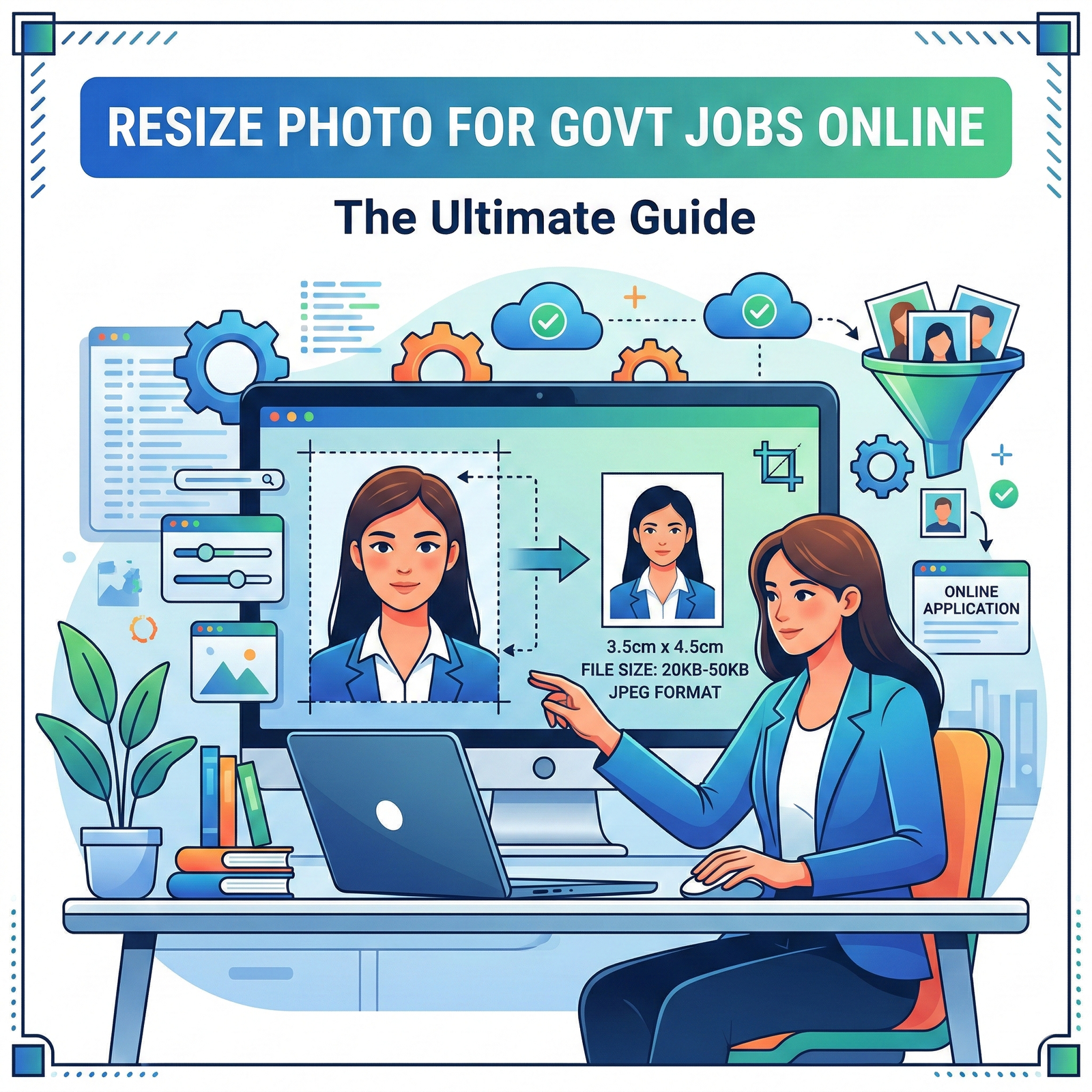
Resize Photo for Govt Jobs Applying for a government job like SSC, UPSC, IBPS, or Railway? If yes, you might have faced the “Upload Error” due to incorrect photo dimensions or file size. Most official portals require a specific photo size, usually between 20kb to 50kb.
In this guide, we will show you how to resize photo for govt jobs instantly using the free tools at WebTools Deck.
Common Requirements for Exam Forms
Before you resize photo for govt jobs, it’s important to know the standard requirements:
- Dimensions: Usually 3.5 cm x 4.5 cm.
- File Size: 20kb to 50kb (for photos) and 10kb to 20kb (for signatures).
- Format: Only JPG or JPEG.
- Background: White or light blue (usually).
Steps to Resize Photo for Govt Jobs on WebTools Deck
- Upload: Go to our Photo Resizer Tool and select your image.
- Set Dimensions: Enter the required width and height (e.g., 350×450 pixels).
- Compress: Use our Bulk Image Compressor to bring the file size under 50kb.
- Download: Save the final image and upload it to your application form.
Why Use WebTools Deck Instead of Photoshop?
Most students don’t have access to heavy software. Our tool allows you to Resize Photo for Govt Jobs directly from your mobile phone. It is fast, secure (we don’t store your photos), and completely free.
Pro Tip for Signatures
Signatures are often harder to resize because they are very small. If the portal says “File size too small,” use our tool to set the quality to 100% and then slowly reduce it until you hit the 10kb to 20kb sweet spot.
Frequently Asked Questions (FAQs)
SSC usually asks for a 3.5cm x 4.5cm photo with a file size between 20kb to 50kb.
Yes, you can use WebTools Deck’s online resizer on any mobile browser to resize photo for govt jobs without losing quality.
Most rejections happen due to incorrect file size (KB) or blurry pixels. Always use a professional resizer to maintain clarity.
Leave a Reply