WebTools Deck

Author: lybatechnologies@gmail.com

  • How to Convert PNG to JPG 50kb Online for Free

    How to Convert PNG to JPG 50kb Online for Free

    How to Convert PNG to JPG 50kb Online Without Losing Quality

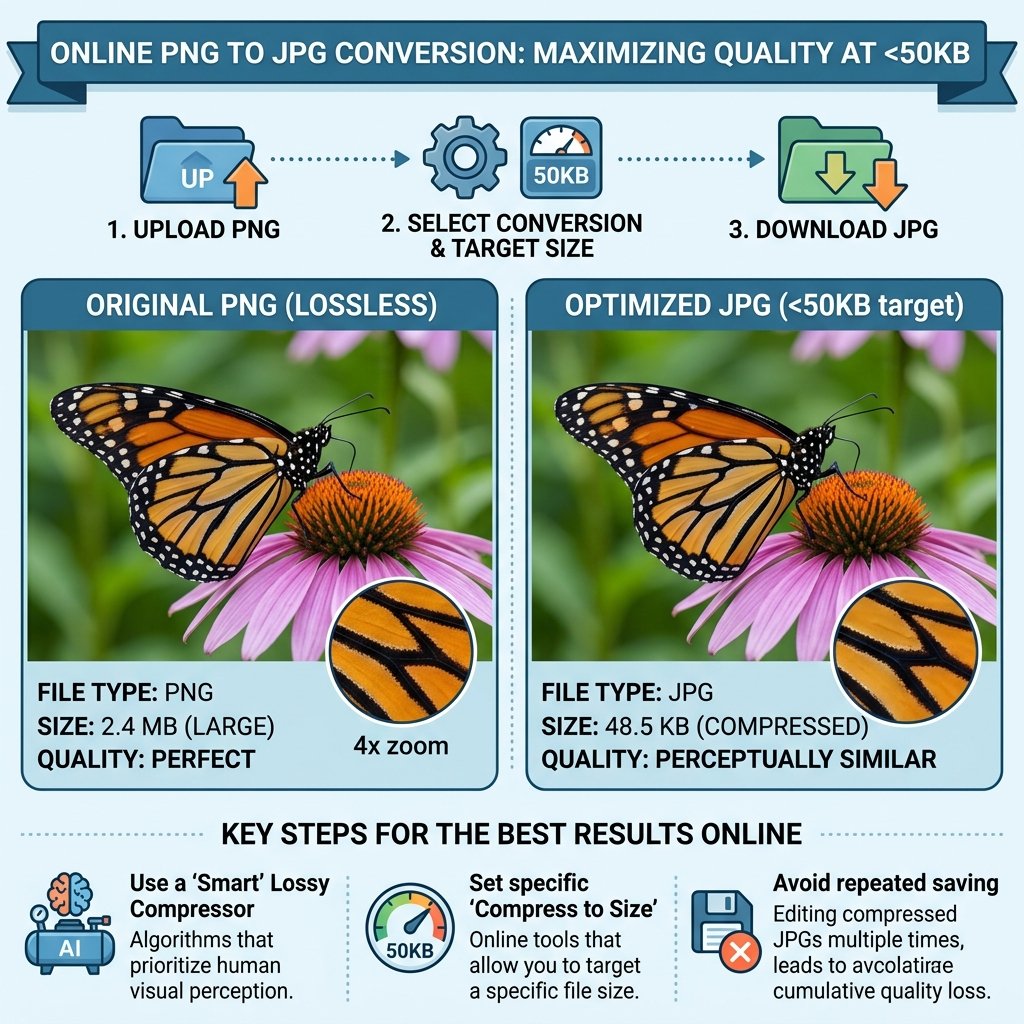
    Applying for a government job or uploading documents to a portal often comes with strict file requirements. Most official websites in India, like SSC, UPSC, and IBPS, do not accept PNG files and usually require a file size between 20kb to 50kb. If you have a high-quality transparent image, you will need to convert PNG to JPG 50kb to complete your application.

    At WebTools Deck, we have built a specialized tool that handles both format conversion and compression in one go.

    Why Convert PNG to JPG 50kb?

    PNG files are lossless and support transparency, which makes them very heavy in terms of storage. On the other hand, JPG uses “lossy” compression, making it much lighter. When you convert PNG to JPG 50kb, you achieve:

    Faster Uploads: Smaller files upload instantly even on slow internet.

    System Compatibility: Almost every online form accepts JPG as the primary format.

    Storage Efficiency: Save space on your server or device while maintaining visual clarity.

    Steps to Use the WebTools Deck Converter

    Our tool is designed for students and professionals who need quick results without complex software.

    • Upload Your File: Select the PNG image you want to transform from your mobile or PC.
    • Automatic Transformation: Our system will convert PNG to JPG 50kb using an AI-optimized compression algorithm.
    • Adjust Quality: If the file is still larger than your limit, use our Bulk Image Compressor to fine-tune the size.
    • Instant Download: Click the download button to save your web-ready JPEG file.

    More Related Tools

    • For High-End Graphics: If you are working with professional shoots, use our Bulk Compress to 500KB tool to maintain elite quality while reducing file weight.
    • For Standard Web Use: To ensure your website stays lightning-fast, we recommend you Bulk Compress to 100KB for all your standard blog images and SEO content.
    • Format Flexibility: If your portal doesn’t accept specific extensions, our Universal Image Converter allows you to switch between JPG, PNG, and WebP formats instantly.
    • Social Media Ready: Before uploading, make sure to use our Image Resizer Online to set the perfect pixel dimensions for your Facebook and Google ads.
    • Document Standards: For official applications, always refer to the W3C Image Guidelines to understand why JPEG is the most trusted format for data submission.

    Best Practices for Sharp Images

    A common issue when you convert PNG to JPG 50kb is the loss of text clarity. To avoid this, always ensure your original PNG is sharp. Our tool is programmed to preserve the “High DPI” of your signatures and passport photos, so they never look blurry on your exam admit cards.

    Conclusion

    Don’t let technical file requirements stop your progress. Whether it is for a job application or a website update, you can convert PNG to JPG 50kb for free on WebTools Deck. Our tools are secure, fast, and process everything right in your browser!
    Convert PNG to JPG 50kb
  • How to Resize Photo for Govt Jobs Online: The Ultimate Guide

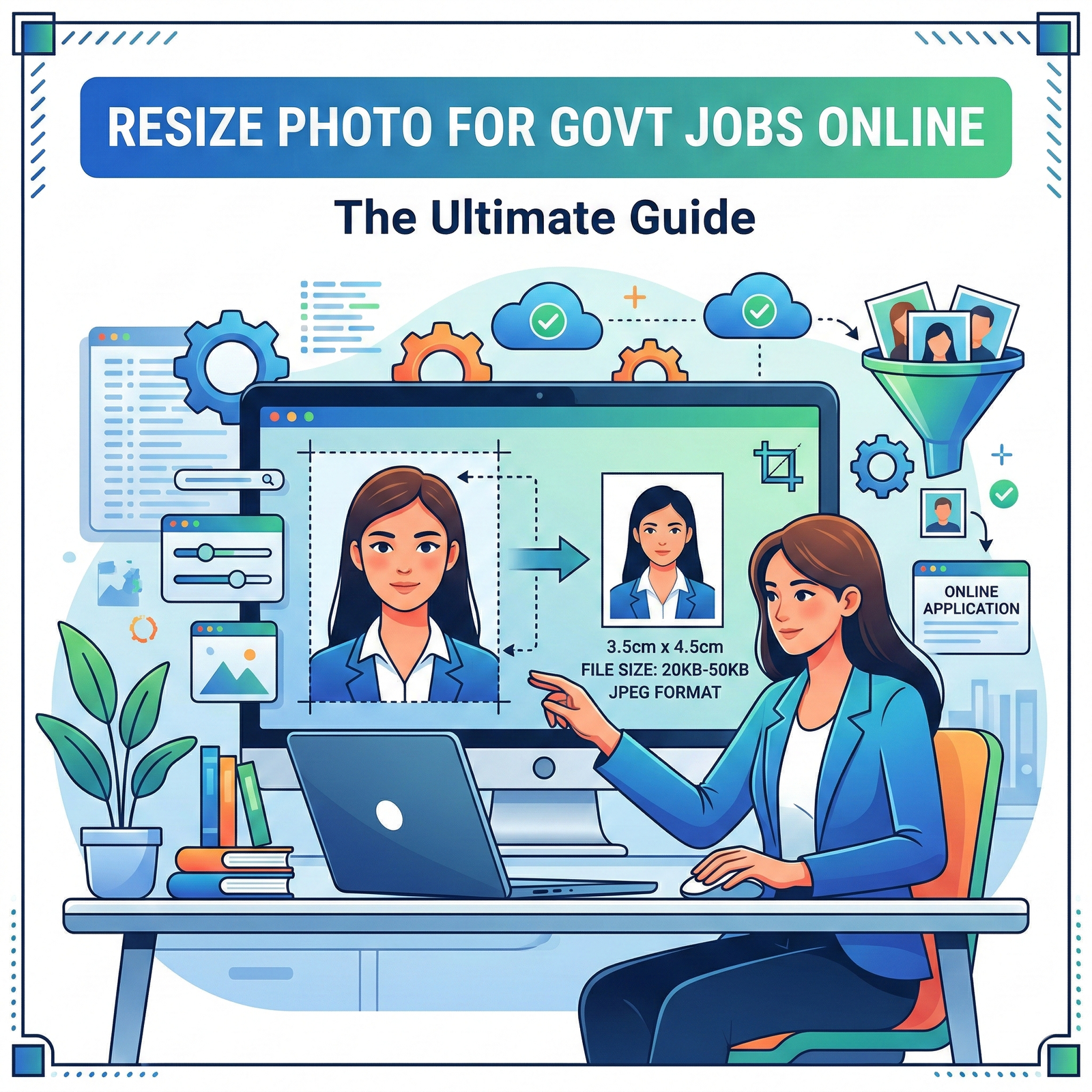
    How to Resize Photo for Govt Jobs Online: The Ultimate Guide

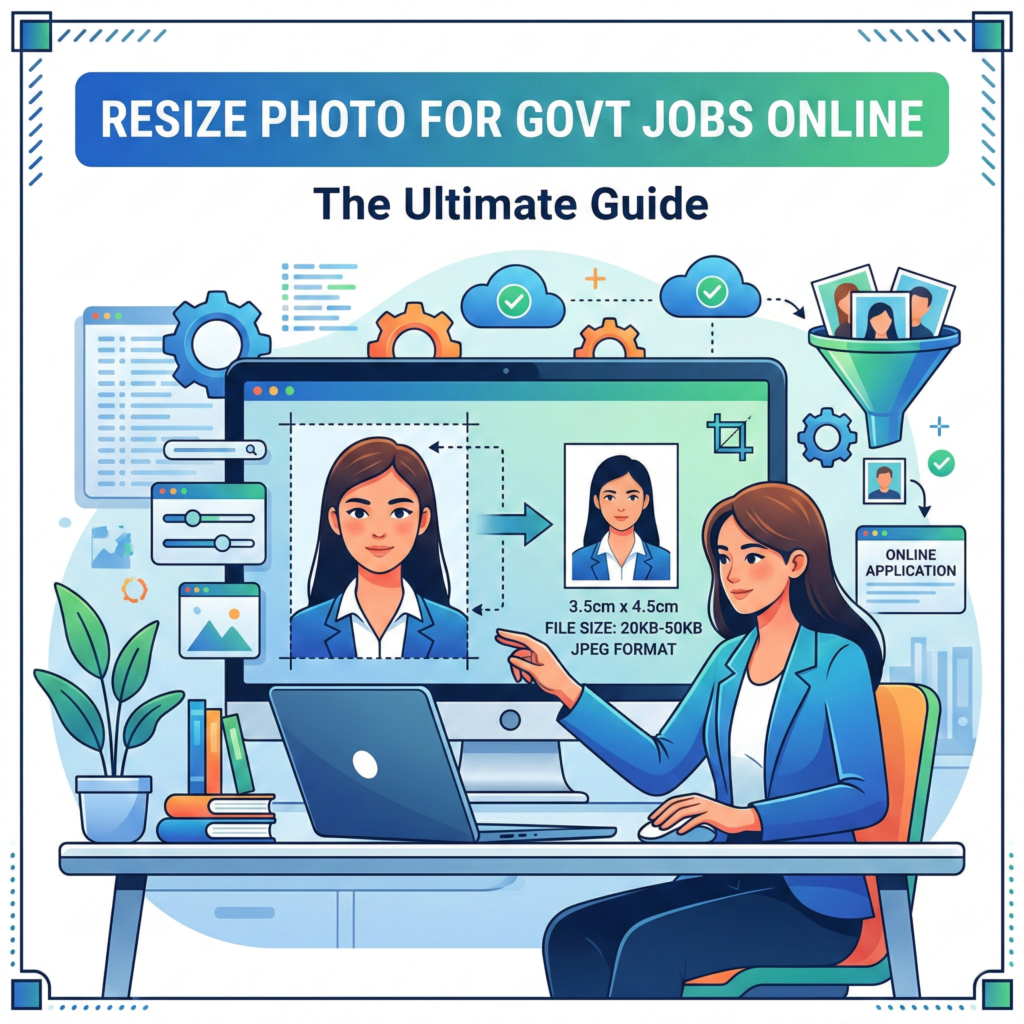
    Resize Photo for Govt Jobs Applying for a government job like SSC, UPSC, IBPS, or Railway? If yes, you might have faced the “Upload Error” due to incorrect photo dimensions or file size. Most official portals require a specific photo size, usually between 20kb to 50kb.

    In this guide, we will show you how to resize photo for govt jobs instantly using the free tools at WebTools Deck.

    Common Requirements for Exam Forms

    Before you resize photo for govt jobs, it’s important to know the standard requirements:

    • Dimensions: Usually 3.5 cm x 4.5 cm.
    • File Size: 20kb to 50kb (for photos) and 10kb to 20kb (for signatures).
    • Format: Only JPG or JPEG.
    • Background: White or light blue (usually).

    Steps to Resize Photo for Govt Jobs on WebTools Deck

    • Upload: Go to our Photo Resizer Tool and select your image.
    • Set Dimensions: Enter the required width and height (e.g., 350×450 pixels).
    • Compress: Use our Bulk Image Compressor to bring the file size under 50kb.
    • Download: Save the final image and upload it to your application form.

    Why Use WebTools Deck Instead of Photoshop?

    Most students don’t have access to heavy software. Our tool allows you to Resize Photo for Govt Jobs directly from your mobile phone. It is fast, secure (we don’t store your photos), and completely free.

    Pro Tip for Signatures

    Signatures are often harder to resize because they are very small. If the portal says “File size too small,” use our tool to set the quality to 100% and then slowly reduce it until you hit the 10kb to 20kb sweet spot.

    Resize Photo for Govt Jobs

    Frequently Asked Questions (FAQs)

    SSC usually asks for a 3.5cm x 4.5cm photo with a file size between 20kb to 50kb.

    Yes, you can use WebTools Deck’s online resizer on any mobile browser to resize photo for govt jobs without losing quality.

    Most rejections happen due to incorrect file size (KB) or blurry pixels. Always use a professional resizer to maintain clarity.

  • How to Reduce Image Size in KB Online Without Losing Quality

    How to Reduce Image Size in KB Online Without Losing Quality

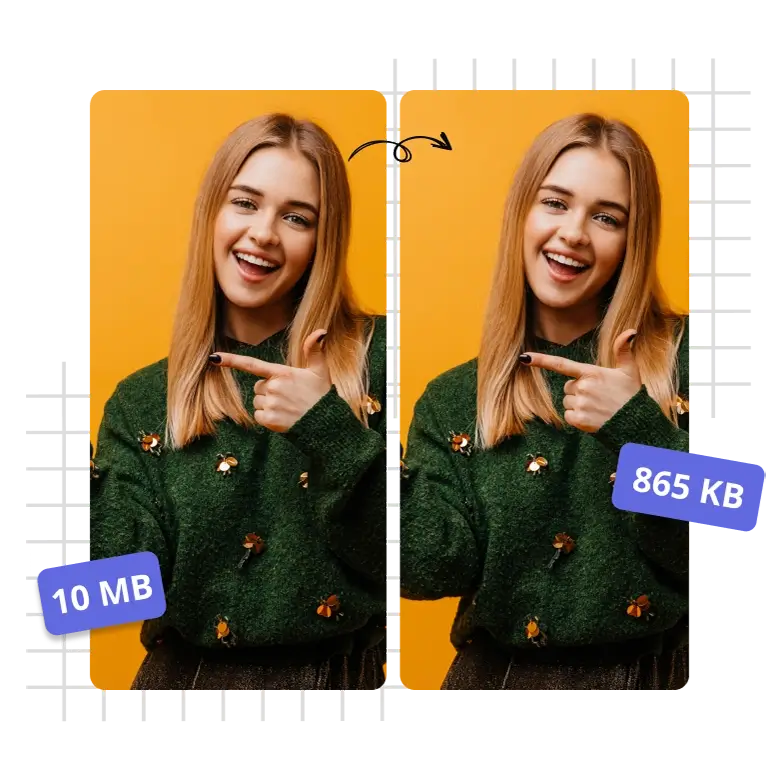
    In today’s digital world, large image files can slow down your website and consume unnecessary storage. Whether you are applying for a government job, uploading a product to a marketplace, or optimizing your blog, you often need to reduce image size in KB. At WebTools Deck, we make this process instant and effortless.

    Why Should You Reduce Image Size in KB?

    Large images (MBs) are the biggest reason for slow website loading speeds. By compressing them, you get:

    • πŸ‘‰Better SEO Rankings: Google loves fast-loading websites.
    • πŸ‘‰Faster User Experience: Users won’t leave your site waiting for images to load.
    • πŸ‘‰Storage Efficiency: Save space on your server or cloud storage.

    How to Reduce Image Size in KB Online for Free ?

    Our tools are designed to give you precise control over the final file size. Here is how you can do it on WebTools Deck:

    • πŸ‘‰Select Your Target: Choose a specific size like Compress to 20kb, 50kb, or 100kb.
    • πŸ‘‰Upload Your Images: You can upload multiple files at once using our Bulk Images Resizer.
    • πŸ‘‰Process and Download: Our AI-optimized algorithm shrinks the file size while maintaining visual clarity.

    Benefits of Using Our KB Reducer

    Unlike other online tools that make images blurry, WebTools Deck uses advanced compression techniques.

    • πŸ‘‰Bulk Processing: Save time by compressing dozens of images at once.
    • πŸ‘‰Format Flexibility: We support JPG, PNG, and WebP. Use our PNG to JPG Converter if you need a specific format.
    • πŸ‘‰Privacy First: We process everything securely and never store your private photos on our servers.

    When to Use Specific KB Sizes?

    • πŸ‘‰20kb to 50kb: Ideal for signatures and passport-size photos for official forms.
    • πŸ‘‰100kb to 300kb: Perfect for blog post thumbnails and e-commerce product images.
    • πŸ‘‰500kb to 1MB: Best for high-quality banners that still need to load quickly.

    Conclusion

    Don’t let heavy images slow you down. Whether you want to reduce image size in KB for a website or an application, WebTools Deck has the perfect tool for every requirement. Start optimizing your digital footprint today!

    Compress Images To KB

  • Why and How to Convert WebP to JPG Online Free: A Complete Guide

    Why and How to Convert WebP to JPG Online Free: A Complete Guide

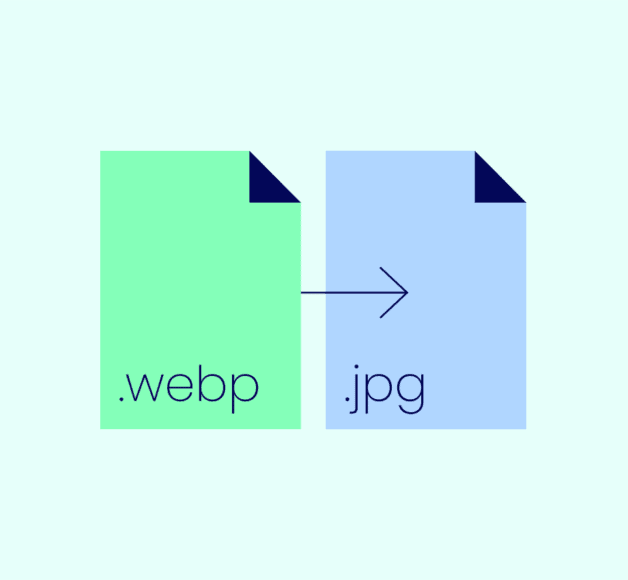
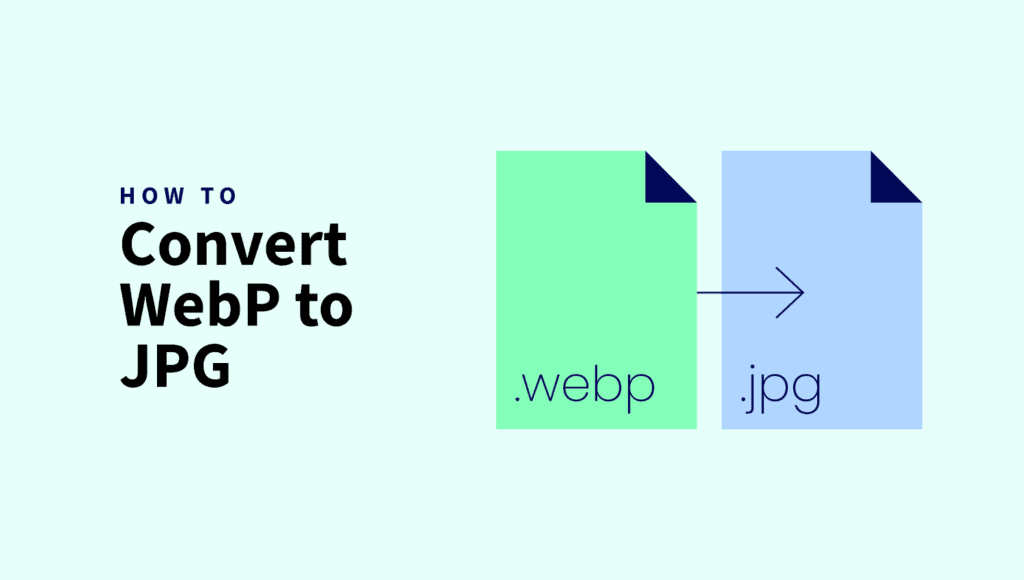
    In the world of web development and SEO, image formats play a crucial role. While WebP is great for speed, sometimes you need a more universal format. In this guide, we will show you how to convert WebP to JPG online free using WebTools Deck without losing any quality.

    What is WebP and Why Convert it?

    WebP is a modern image format that provides superior lossless and lossy compression. However, many older browsers, image editors, and social media platforms still struggle to display WebP correctly. That is why most users prefer to convert their files to a standard format like JPG.

    Benefits of Converting to JPG:

    • 🌍Universal Compatibility: JPG works on every device and software.
    • πŸ’ΆEasier Editing: Most basic photo editors handle JPG better than WebP.
    • πŸ‘©β€πŸ’»Better for Social Media: Platforms like Facebook and Instagram sometimes have issues with direct WebP uploads.

    How to Convert WebP to JPG on WebTools Deck

    Converting your files is incredibly simple. Just follow these steps:

    • 🌐Visit our Free Online WebP to JPG Converter.
    • πŸ‘‰Upload your WebP file(s).
    • πŸ‘‰Click on the ‘Convert’ button.
    • πŸ‘‰Download your high-quality JPG instantly.

    Optimization Tip: Resize and Compress

    Conversion is only the first step. To make your website lightning fast, you should also resize and compress your images.

    Other Useful Conversion Tools

    At WebTools Deck, we offer a full suite of converters for every need:

    Conclusion

    Whether you are a blogger, a student, or a professional, having the right image format is essential. WebTools Deck makes it easy to convert WebP to JPG online free while ensuring your data remains private and secure.

    Convert WebP to JPG Online Free
  • How to Print Amazon & Flipkart Shipping Labels on 4×6 Thermal Printer: The Ultimate Guide (2026)

    How to Print Amazon & Flipkart Shipping Labels on 4×6 Thermal Printer: The Ultimate Guide (2026)

    If you are an e-commerce seller in India, you know the struggle of handling default A4 size shipping labels. Whether you are selling on Amazon, Flipkart, or Meesho, the marketplace provides labels in a PDF format designed for standard printers. However, if you have upgraded to a 4×6 Thermal Printer (like Zebra, TSC, or Xprinter), those PDFs just don’t fit.

    In this guide, we’ll show you how to use WebTools Deck to crop your labels perfectly in seconds, including a special feature for Amazon sellers to extract SKUs directly onto the label.

    Why Use a 4×6 Thermal Printer for Shipping Labels?

    Standard inkjet or laser printers are slow and expensive due to ink costs. Thermal printers are the industry standard because:

    • No Ink Required: They use heat-sensitive paper.
    • Speed: Print hundreds of labels in minutes.
    • Durability: Thermal labels are waterproof and smudge-proof.

    The only problem? Marketplaces give you labels with a lot of wasted white space. To fix this, you need a specialized tool like our Bulk Images Resizer or dedicated label croppers.

    The Game Changer: Amazon SKU Extraction

    Most Amazon sellers face a common issue: the shipping label tells you where to send the package, but not always what is inside without checking a separate packing slip.

    When you use the Amazon Shipping Label Cropper on WebTools Deck, our AI-powered tool does two things:

    • Precise Cropping: It crops the label to a perfect 4×6 inch (100mm x 150mm) size.
    • SKU Extraction: It automatically identifies the SKU from your PDF and prints it clearly on the cropped label.

    Result: Your packing team doesn’t need to look at a computer screen. They read the SKU on the label, pick the item, and ship it. This reduces RTOs (Returns) caused by wrong item shipments!

    How to Crop Labels for Different Marketplaces

    1. Flipkart & Meesho Sellers

    Flipkart and Meesho labels usually come with a lot of extra footer text. To get a clean 4×6 print:

    2. Delhivery & Courier Partners

    If you are shipping via private couriers, use the Delhivery Label Cropper. It works perfectly for individual or bulk labels, ensuring the barcode is sharp and scannable.

    3. Converting Label Formats

    Sometimes you might need to convert your label images for documentation. You can use our Image Format Converter to switch between formats:

    How to Prepare Your Product Images

    Before you even get to the shipping stage, you need high-quality product photos. If your images are too large for the marketplace, use our compression tools to speed up your listing process:

    Conclusion: Why Choose WebTools Deck?

    At WebTools Deck, we prioritize speed and security.

    • Privacy First: We don’t store your PDFs or labels on our servers.
      • No Registration: Start cropping immediately for free.
      • Optimized for India: Built specifically for Indian e-commerce sellers handling Amazon, Flipkart, Meesho, and Delhivery.

    Stop wasting time with manual cropping. Automate your shipping workflow today!

    How to Print Amazon & Flipkart Shipping Labels on 4x6 Thermal Printer: The Ultimate Guide (2026)
  • Ultimate Toolkit for E-Commerce Sellers: Label Croppers, Image Tools, PDF Tools & Bulk Utilities

    Ultimate Toolkit for E-Commerce Sellers: Label Croppers, Image Tools, PDF Tools & Bulk Utilities

    The Ultimate Toolkit for E-Commerce Sellers: Amazon, Meesho & Flipkart Label Croppers, Image Tools, PDF Tools & More

    Running an online business today means working fast, optimizing every process, and using smart tools that save time. Whether you sell on Amazon, Meesho, Flipkart, or manage your own Shopify/website store β€” having the right set of tools makes operations smoother, faster, and more profitable.

    At WebTools Deck, we provide free, lightning-fast, 100% browser-based tools that work without uploads. Everything is processed inside your device for maximum privacy and speed.

    In this blog, you’ll discover:

    • βœ” Best Label Croppers for Amazon, Meesho & Flipkart
    • βœ” Professional Image Tools for sellers & creators
    • βœ” Smart PDF Utilities
    • βœ” Bulk tools for renaming, compressing, resizing, converting
    • βœ” Why these tools matter for SEO, listings, and operations
    • βœ” Quick links to your most-used tools

    ⭐ 1. Shipping Label Croppers for E-Commerce Sellers

    Shipping labels are the heart of order processing. But they often come in messy PDFs with invoices, empty space, or multiple pages.

    Our label croppers fix this instantly.


    πŸ”Ά Amazon Label Cropper – Auto-detect & Crop 4Γ—6 Shipping Labels

    If you’re an Amazon Seller, you know the struggle of messy, multi-page Amazon shipping label PDFs.

    This tool:

    • ➀ Auto-detects the label area
    • ➀ Removes unnecessary borders and invoice sections
    • ➀ Outputs perfect 4Γ—6 thermal-printer-ready labels
    • ➀ Works on bulk pages
    • ➀ 100% browser-based, no uploads

    πŸ‘‰ Open Tool: https://webtoolsdeck.com/crop-amazon

    Perfect for:
    Amazon FBA sellers, FBM shippers, home-based business owners.


    πŸ”Ά Meesho Label Cropper – Clean, Trim & Extract Labels Instantly

    Meesho PDFs often contain invoices + labels together.
    Our tool automatically:

    • ➀ Detects Meesho shipping label
    • ➀ Splits invoice from label
    • ➀ Produces clean, printable 4Γ—6 labels
    • ➀ Works even on bulk orders

    πŸ‘‰ Open Tool: https://webtoolsdeck.com/crop-meesho

    Why Meesho sellers love this:
    Faster packing β†’ fewer mistakes β†’ higher daily order capacity.


    πŸ”Ά Flipkart Label Cropper – Fast, Accurate & Smart Detection

    Flipkart label PDFs come in different layouts.
    This tool:

    • ➀ Detects label zone using smart PDF parsing
    • ➀ Crops perfectly without losing resolution
    • ➀ Supports multi-page PDF
    • ➀ Gives clean, ready-to-print thermal labels

    πŸ‘‰ Open Tool: https://webtoolsdeck.com/Flipkartcropper


    ⭐ 2. Image Tools Every Seller Should Use

    Product photos drive 90% of buyer decisions.
    Our most-used image tools:


    πŸ–ΌοΈ Image Compressor – Reduce Size Without Losing Quality

    High-quality product images slow down your website or listing upload.
    This tool:

    • ➀ Compresses JPG/PNG/WebP smartly
    • ➀ Maintains clarity
    • ➀ Reduces size by 70–90%
    • ➀ Works offline inside the browser

    πŸ‘‰


    πŸ–ΌοΈ Image Resizer – Exact Dimensions for Marketplaces

    Different platforms, different size requirements.

    This tool allows:

    • ➀ Exact pixel resizing
    • ➀ Aspect-ratio lock
    • ➀ Social media presets

    πŸ‘‰


    πŸ–ΌοΈ Image to PDF Converter – Make Printable Catalogs

    Convert multiple images into a clean single PDF.

    πŸ‘‰

    Perfect for:

    • Product catalog
    • Invoice attachments
    • Wholesale lookbooks

    🎨 Color Picker Tool – Extract Palette From Image

    Product designers love this tool.

    πŸ‘‰


    πŸͺͺ Metadata Cleaner – Remove EXIF Data Before Upload

    Protect privacy and reduce file size.

    πŸ‘‰


    ⭐ 3. Bulk Tools for Professionals

    When you manage 100–500 images daily, bulk tools save hours.


    πŸ“¦ Bulk Rename Tool – Rename 100+ Images in One Click

    SEO-friendly image names improve ranking.

    πŸ‘‰


    πŸ“¦ Bulk Image Converter – JPG β†’ PNG β†’ WebP

    Convert formats instantly.

    πŸ‘‰


    ⭐ 4. Powerful PDF Utilities

    PDF management is a daily task for sellers.
    Our PDF tools help you work faster:

    βœ” Merge PDF

    πŸ‘‰

    βœ” Split PDF

    πŸ‘‰

    βœ” PDF to Images

    πŸ‘‰

    These are ultra-fast tools β€” completely browser-based.


    ⭐ 5. Why Our Tools Are Must-Have for E-Commerce Sellers

    Benefits:

    • ⚑ Superfast tools (no servers, no waiting)
    • πŸ”’ Privacy-first β€” no uploads ever
    • 🎯 Marketplace-optimized (Amazon, Flipkart, Meesho)
    • πŸ”„ Bulk editing support
    • 🎨 High-quality output
    • πŸ“¦ Works on mobile, tablet, desktop
    • 🧾 Perfect for sellers using TSC, Zebra, & other thermal printers

    ⭐ 6. Popular Use Cases

    βœ” Amazon/Flipkart/Meesho order packing

    βœ” Product image optimization

    βœ” Social media post creation

    βœ” Brand catalog creation (PDF)

    βœ” Website performance improvement

    βœ” Faster upload on Meesho Supplier Panel


    ⭐ 7. SEO Keywords Included in This Blog

    (Automatically optimized)

    label cropper, Meesho label cropper, Amazon label cropper, Flipkart label cropper, image resizer, image compressor, webp converter, PDF tools, bulk tools, image tools, e-commerce tools, seller tools, packing tools, thermal label cropper, 4×6 label cropper


    ⭐ 8. Conclusion

    WebTools Deck brings the fastest free online tools for image editing, PDF processing, and e-commerce shipping label cropping.

    If you’re a seller looking to save time, reduce effort, and increase efficiency, these tools are made for you.

Helpful?
×

How can we help?

🚩 Report An Issue

Report bugs or errors on this tool.

πŸ’‘ Request New Tool

Suggest a tool you want us to build.

⭐ Give Your Feedback

Share your thoughts or ideas with us.

← Back

Report An Issue

βœ…

Report Received!

We'll look into it soon, Boss.

← Back

Request New Tool

πŸš€

Request Sent!

Great idea! We'll check it out.

← Back

Give Your Feedback

⭐

Thank You!

Your feedback helps us grow.