
How to Convert PNG to JPG 50kb Online Without Losing Quality
Applying for a government job or uploading documents to a portal often comes with strict file requirements. Most official websites in India, like SSC, UPSC, and IBPS, do not accept PNG files and usually require a file size between 20kb to 50kb. If you have a high-quality transparent image, you will need to convert PNG to JPG 50kb to complete your application.
At WebTools Deck, we have built a specialized tool that handles both format conversion and compression in one go.
Why Convert PNG to JPG 50kb?
PNG files are lossless and support transparency, which makes them very heavy in terms of storage. On the other hand, JPG uses “lossy” compression, making it much lighter. When you convert PNG to JPG 50kb, you achieve:
Faster Uploads: Smaller files upload instantly even on slow internet.
System Compatibility: Almost every online form accepts JPG as the primary format.
Storage Efficiency: Save space on your server or device while maintaining visual clarity.
Steps to Use the WebTools Deck Converter
Our tool is designed for students and professionals who need quick results without complex software.
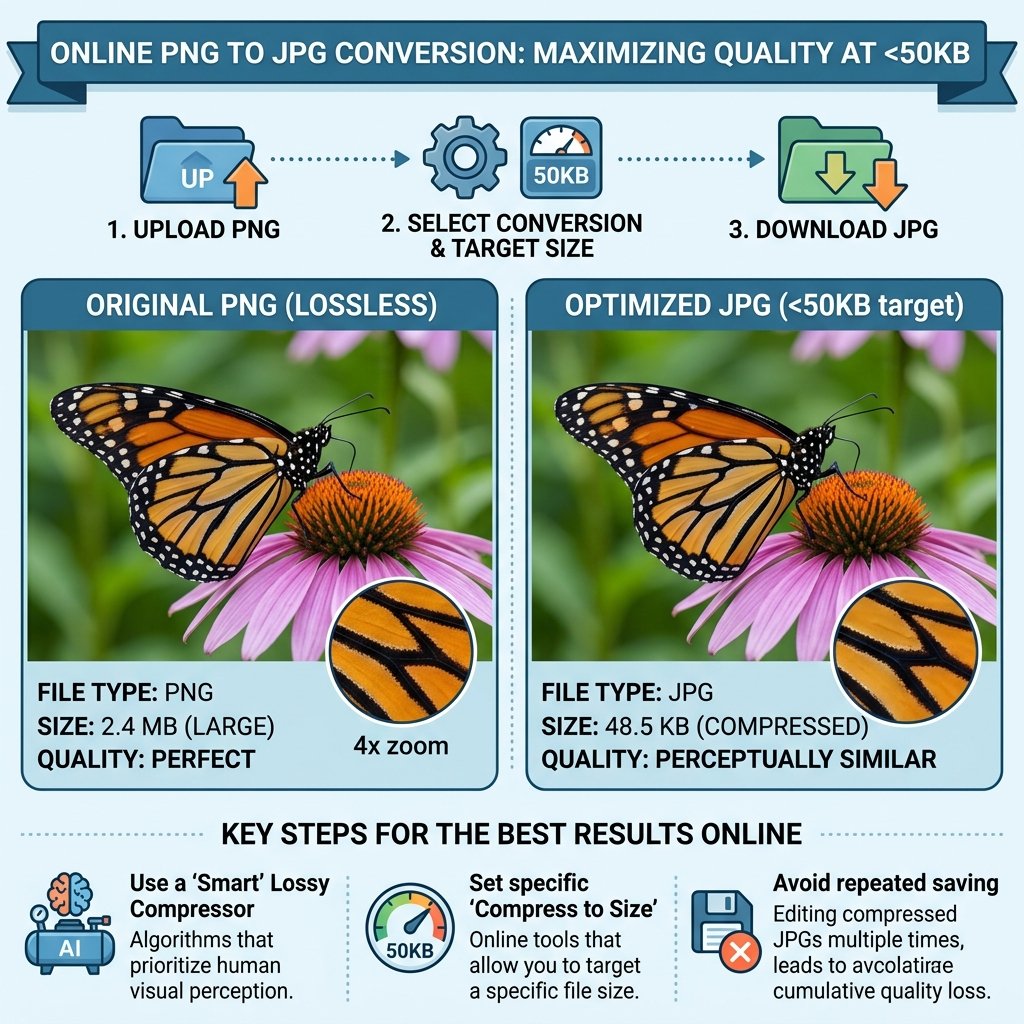
- Upload Your File: Select the PNG image you want to transform from your mobile or PC.
- Automatic Transformation: Our system will convert PNG to JPG 50kb using an AI-optimized compression algorithm.
- Adjust Quality: If the file is still larger than your limit, use our Bulk Image Compressor to fine-tune the size.
- Instant Download: Click the download button to save your web-ready JPEG file.
More Related Tools
- For High-End Graphics: If you are working with professional shoots, use our Bulk Compress to 500KB tool to maintain elite quality while reducing file weight.
- For Standard Web Use: To ensure your website stays lightning-fast, we recommend you Bulk Compress to 100KB for all your standard blog images and SEO content.
- Format Flexibility: If your portal doesn’t accept specific extensions, our Universal Image Converter allows you to switch between JPG, PNG, and WebP formats instantly.
- Social Media Ready: Before uploading, make sure to use our Image Resizer Online to set the perfect pixel dimensions for your Facebook and Google ads.
- Document Standards: For official applications, always refer to the W3C Image Guidelines to understand why JPEG is the most trusted format for data submission.
Best Practices for Sharp Images
A common issue when you convert PNG to JPG 50kb is the loss of text clarity. To avoid this, always ensure your original PNG is sharp. Our tool is programmed to preserve the “High DPI” of your signatures and passport photos, so they never look blurry on your exam admit cards.
Conclusion
Don’t let technical file requirements stop your progress. Whether it is for a job application or a website update, you can convert PNG to JPG 50kb for free on WebTools Deck. Our tools are secure, fast, and process everything right in your browser!
Leave a Reply