
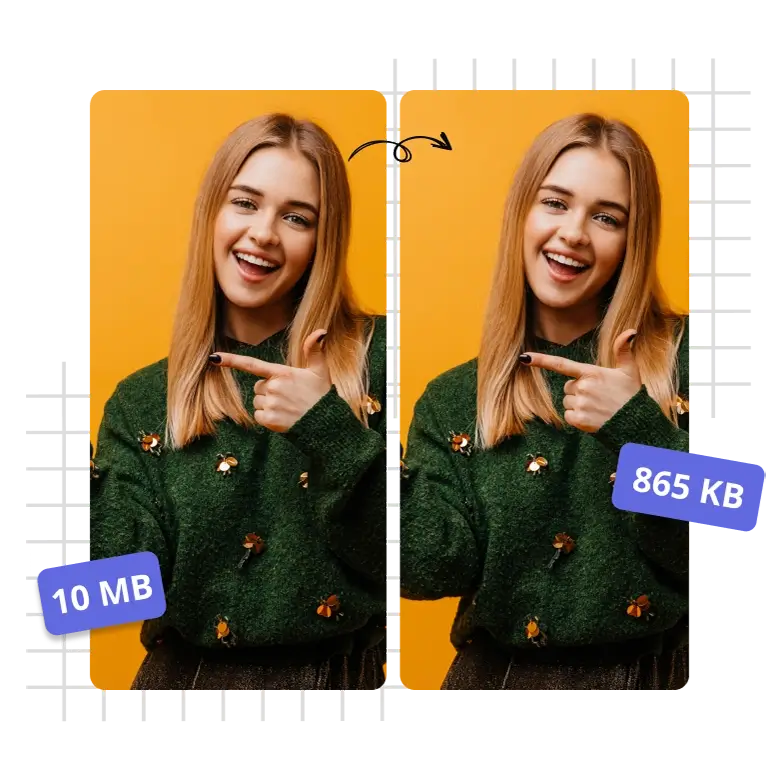
In today’s digital world, large image files can slow down your website and consume unnecessary storage. Whether you are applying for a government job, uploading a product to a marketplace, or optimizing your blog, you often need to reduce image size in KB. At WebTools Deck, we make this process instant and effortless.
Why Should You Reduce Image Size in KB?
Large images (MBs) are the biggest reason for slow website loading speeds. By compressing them, you get:
- 👉Better SEO Rankings: Google loves fast-loading websites.
- 👉Faster User Experience: Users won’t leave your site waiting for images to load.
- 👉Storage Efficiency: Save space on your server or cloud storage.
How to Reduce Image Size in KB Online for Free ?
Our tools are designed to give you precise control over the final file size. Here is how you can do it on WebTools Deck:
- 👉Select Your Target: Choose a specific size like Compress to 20kb, 50kb, or 100kb.
- 👉Upload Your Images: You can upload multiple files at once using our Bulk Images Resizer.
- 👉Process and Download: Our AI-optimized algorithm shrinks the file size while maintaining visual clarity.
Benefits of Using Our KB Reducer
Unlike other online tools that make images blurry, WebTools Deck uses advanced compression techniques.
- 👉Bulk Processing: Save time by compressing dozens of images at once.
- 👉Format Flexibility: We support JPG, PNG, and WebP. Use our PNG to JPG Converter if you need a specific format.
- 👉Privacy First: We process everything securely and never store your private photos on our servers.
When to Use Specific KB Sizes?
- 👉20kb to 50kb: Ideal for signatures and passport-size photos for official forms.
- 👉100kb to 300kb: Perfect for blog post thumbnails and e-commerce product images.
- 👉500kb to 1MB: Best for high-quality banners that still need to load quickly.
Conclusion
Don’t let heavy images slow you down. Whether you want to reduce image size in KB for a website or an application, WebTools Deck has the perfect tool for every requirement. Start optimizing your digital footprint today!
Leave a Reply