WebTools Deck Professional
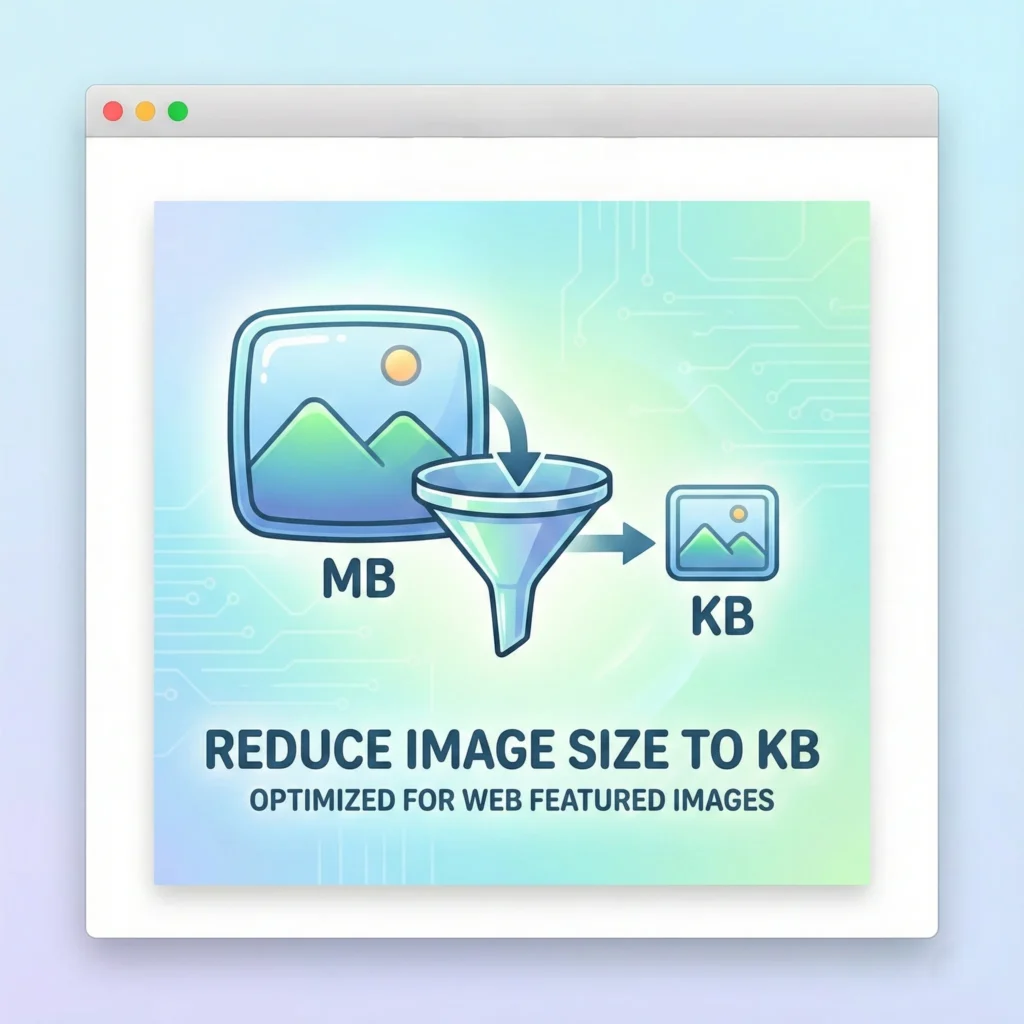
Reduce Image To KB
Powerful Tools. Beautifully Simple.
Target Size
Strict Limit ≤ Input
Select Images
Drop images or click box
AI-Powered Tool to Reduce Image Size in KB – Fast & Free
Need to upload a photo for a job application or a government form? WebTools Deck offers a professional AI-powered image compressor that allows you to reduce image size in KB instantly. Our technology ensures that your file size shrinks while your image stays clear and professional.
Why You Need to Reduce Image Size?
Large image files can be a hurdle. Our tool helps you overcome common issues like:
- 👉Form Requirements: Many websites (like job portals or visa apps) require images to be under 20KB, 50KB, or 100KB.
- 👉Faster Website Speed: Smaller KB sizes help your WordPress site load faster, improving your SEO rankings.
- 👉Storage Efficiency: Save thousands of images on your phone or PC without running out of space.
Master Your Image Workflow with WebTools Deck:
- [JPG to WebP Converter] – The ultimate tool for website speed.
- [PNG to WebP Tool] – Modernize your transparent assets.
- [WebP to JPG Converter] – Restore compatibility for social media.
- [Image Resizer] – Quickly change dimensions for any platform.
The WebTools Deck AI Advantage
Most Compressors Make your Photos look blurry. Our Proprietary AI Engine is different:
- 👉Context-Aware Compression: Our AI identifies the most important parts of an image (like a face or text) and preserves them while compressing the background.
- 👉Target Size Precision: Simply choose your target KB, and our AI will find the perfect balance between size and quality.
- 👉Encrypted Processing: Your privacy is non-negotiable. Images are processed through a secure tunnel and wiped from our cache immediately after use.
How to Reduce Image Size in KB Online
- 👉Upload: Click “Upload” or drag and drop your JPG, PNG, or WebP file.
- 👉Set Target Size: Choose your desired limit (e.g., Compress to 50KB).
- 👉AI Compression: Our engine works its magic in milliseconds.
- 👉Download: Save your perfectly sized, high-quality image.
Common Target Sizes for Online Forms
| Target Size | Best For | AI Quality Level |
| Under 20KB | Profile Photos / Icons | Optimized for Visibility |
| Under 50KB | Government Forms / IDs | High Detail Retention |
| Under 100KB | Blog Thumbnails / Posts | Professional Quality |
| Under 200KB | High-Res Portfolio Images | Maximum Clarity |
Frequently Asked Questions (FAQs)
No, Sir. WebTools Deck uses Smart AI Algorithms that reduce the “weight” of the file without sacrificing the “sharpness” of the image.
Yes, Boss. You can use our Reduce Image Size in KB tool as many times as you want for free.
We support all major formats, including JPG, PNG, and WebP.
Absolutely. The tool is fully optimized for mobile browsers, making it easy to compress photos on the go.