Powerful Tools. Beautifully Simple.
Images to PDF
Choose Images
Combine multiple images into a branded PDF
PDF Generated!
Your high-quality PDF is ready.
Private Processing • No Server Uploads • WebTools Deck
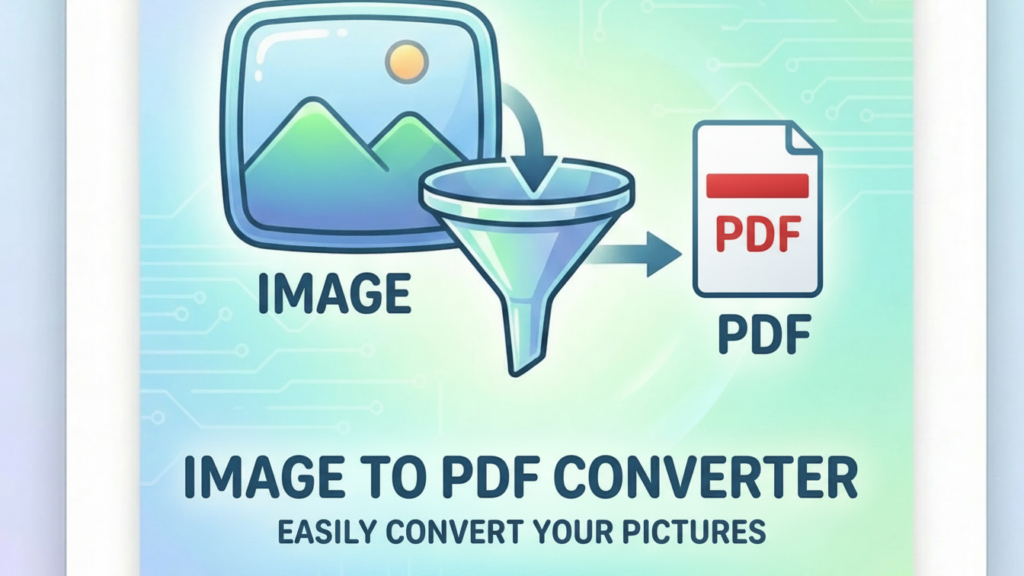
AI-Powered Image to PDF Converter – Create Professional Documents Instantly
Need to combine multiple photos into a single document? WebTools Deck offers a state-of-the-art AI-powered Image to PDF Converter. Whether you are preparing a college assignment, a business report, or a collection of receipts, our tool ensures your images are perfectly aligned and converted into a high-quality PDF in seconds.
Why Convert Your Images to PDF?
PDF is the global standard for document sharing. By converting your images to PDF, you get:
- Easy Sharing: Instead of sending 10 separate images, send one organized PDF file.
- Universal Compatibility: PDFs look the same on every device, from iPhones to Windows PCs.
- Professional Formatting: Perfect for official applications, resumes, and digital portfolios.
- Reduced File Size: Our AI optimizes the image data to make the final PDF lighter for email attachments.
The WebTools Deck AI Advantage
Most Converters Just “Stick” Images Onto Pages, often cropping the edges. Our Proprietary AI Engine is smarter:
- Smart Layout Optimization: Our AI automatically detects image dimensions and adjusts the PDF page size to prevent unwanted borders.
- Resolution Enhancement: The engine ensures that text within your images remains readable and sharp after conversion.
- Encrypted & Secure: Your privacy is our priority. Your photos are processed via an encrypted connection and deleted immediately after the PDF is generated.
Boost Your Productivity with WebTools Deck:
- [JPG to WebP Converter] – Optimize your website speed.
- [PNG to WebP Tool] – Best for transparent web assets.
- [Image To PDF] – Covert Your Images Into PDF
- [Bulk Image Compressor] – Shrink your files for faster loading.
How to Convert Images to PDF Online ?
- Upload Photos: Drag and drop your JPG, PNG, or WebP files into the tool.
- Arrange & Organize: Move your images into the correct order if needed.
- Generate PDF: Click the “Convert” button, and our AI will create your document instantly.
Supported Formats & Capabilities
| Supported Format | Features | AI Optimization |
| JPG / JPEG | Best for Photos | High Detail Preservation |
| PNG | Best for Graphics | Transparency Handling |
| WebP | Best for Web Content | Ultra-Fast Processing |
| Bulk Upload | Merge 20+ Images | Smart Sequencing |
Frequently Asked Questions (FAQs)
Yes, Boss. You can upload multiple files at once, and our tool will merge them into one organized PDF document.
Absolutely, Sir. We use SSL encryption for all transfers. Your images are never stored on our servers and are purged automatically after use.
No. Our AI optimizes the images during the conversion process to ensure the final PDF is compact enough for email and messaging apps.
No, you can use our Image to PDF Converter as many times as you want, 100% free.